89% of marketers say video gives them a strong ROI — yet most solo creators still think they need a camera crew, a studio, and a five-figure budget to compete. I used to believe that too. For two years, I outsourced every product demo and social clip to freelancers who charged $500 to $2,000 per video. Then in late 2025, I tested my first AI video generator on a whim. The result looked better than half the stuff my freelancers delivered. And it took 22 minutes instead of two weeks.
If you run a solo business and think video is “not for you,” this guide will change your mind. I wrote it for solopreneurs, freelancers, and one-person brands who want professional video content without the overhead. Below, I break down six ai video tools that can genuinely replace a production team — plus the workflow I use to publish three videos per week from my laptop.

In This Article
- Why Solo Creators Need AI Video Tools in 2026
- The 6 Best AI Video Tools for One-Person Businesses
- How AI Avatar Generators Changed My Content Game
- Building a Video Marketing Workflow Without a Team
- Cost Breakdown — AI Video Tools vs. Hiring a Crew
- Common Mistakes Solo Creators Make With AI Video
- My Experience Switching to AI Video Production
- Frequently Asked Questions
Why Solo Creators Need AI Video Tools in 2026
Video consumption isn’t slowing down. According to Wyzowl’s 2026 report, 91% of consumers want to see more video content from brands they support. But here’s the gap: only 34% of businesses with fewer than 10 employees produce video regularly. The reason is obvious — traditional video production is expensive and time-consuming.
That gap is where ai video tools step in. These platforms use generative AI to handle scriptwriting, voiceover, avatar generation, B-roll selection, and final editing. You type a prompt or paste a script. The tool delivers a finished video. Some even translate your content into 140+ languages automatically.
I noticed the shift in my own analytics last year. Blog posts with embedded video held readers 2.3x longer than text-only articles. My email click-through rate jumped 41% when I started including video thumbnails. For a solo business where every visitor counts, those numbers are hard to ignore.
The real question isn’t whether you should use video. It’s which ai video tools fit a one-person operation where time and budget are both tight.

The 6 Best AI Video Tools for One-Person Businesses
I tested over a dozen platforms between January and March 2026. Six stood out for solo creators who need speed, quality, and reasonable pricing. Here’s what each one does best.
1. HeyGen — Best for AI Avatar Videos
HeyGen’s Video Agent is the closest thing to having a personal video producer. You describe what you want in plain English, and it writes the script, picks visuals, generates B-roll (powered by OpenAI’s Sora 2 integration), and assembles the final cut. Avatar IV — their latest model — produces lip-sync and facial expressions that independent reviewers rank above Synthesia and DeepBrain.
The Creator plan runs $29/month. You get unlimited standard videos, 1080p export, and voice cloning. One catch: Avatar IV is capped at 5 minutes per month on that tier. For short-form content (under 60 seconds), that’s more than enough.
2. Synthesia — Best for Professional Training and Explainers
Synthesia leans corporate, but solo consultants and coaches love it. Their Express-1 engine turns a Google Doc into a polished explainer with an AI presenter, branded slides, and auto-generated captions. I used it to create a 12-part onboarding series for my digital product — what would have cost $8,000 with a production house took a weekend and $89.
3. Runway Gen-4 — Best for Cinematic Short Clips
Runway is the creative person’s tool. Gen-4 produces cinematic, dreamlike visuals from text prompts that look like they belong in a Netflix trailer. I use it for Instagram Reels and product teasers where vibe matters more than talking heads. The free tier gives you 25 seconds of generation per day — enough to test before committing to their $15/month plan.
4. Descript — Best for Editing Existing Footage
If you record yourself on a webcam or phone, Descript is magic. Edit video by editing text — delete a sentence from the transcript, and the video cuts automatically. Their “Eye Contact” feature fixes your gaze so you look directly at the camera even when reading notes off-screen. At $24/month, it pays for itself after one project.
5. Opus Clip — Best for Repurposing Long-Form Content
Opus Clip takes a 30-minute YouTube video or podcast recording and automatically extracts the most engaging 60-second clips. It adds captions, detects key moments, and even scores each clip by predicted virality. I feed it my weekly podcast and get 8 to 10 social clips without touching an editor.
6. Pictory — Best for Turning Blog Posts Into Videos
Pictory turns written articles into narrated videos with stock footage, transitions, and background music. You paste a blog URL, pick a template, and get a video in under 10 minutes. For content repurposing — turning your existing writing into YouTube or LinkedIn videos — it’s the fastest option I’ve found. Plans start at $19/month.
| Tool | Best For | Starting Price | Key Feature |
|---|---|---|---|
| HeyGen | AI Avatar Videos | $29/mo | Video Agent + Avatar IV |
| Synthesia | Training / Explainers | $29/mo | Express-1 engine |
| Runway Gen-4 | Cinematic Clips | $15/mo | Text-to-cinematic video |
| Descript | Editing Footage | $24/mo | Edit video like a doc |
| Opus Clip | Repurposing Content | $19/mo | Auto-clip extraction |
| Pictory | Blog-to-Video | $19/mo | URL-to-video conversion |
How AI Avatar Generators Changed My Content Game
I’ll be honest — I hate being on camera. My first 20 YouTube videos felt like pulling teeth. I’d record for an hour, keep 8 minutes, and still cringe at the final cut. When I switched to AI avatars in November 2025, my publishing frequency tripled overnight.
The avatar looks like me (I trained it on a 5-minute calibration video). It speaks in my cloned voice. But I never have to set up lights, fix my hair, or re-record because I stumbled over a sentence. I just type the script, hit generate, and move on.
Some people worry about authenticity. Fair concern. My approach: I use the avatar for educational content and product walkthroughs, but I still show my real face in personal vlogs and behind-the-scenes clips. That balance keeps the human element alive while letting AI handle the repetitive production work.
One thing that surprised me — engagement actually went up with avatar videos. My theory? The audio quality is consistently perfect, the pacing is tighter, and there are zero awkward pauses. Viewers care more about clear information delivery than whether the face on screen is rendered in real-time.
Building a Video Marketing Workflow Without a Team
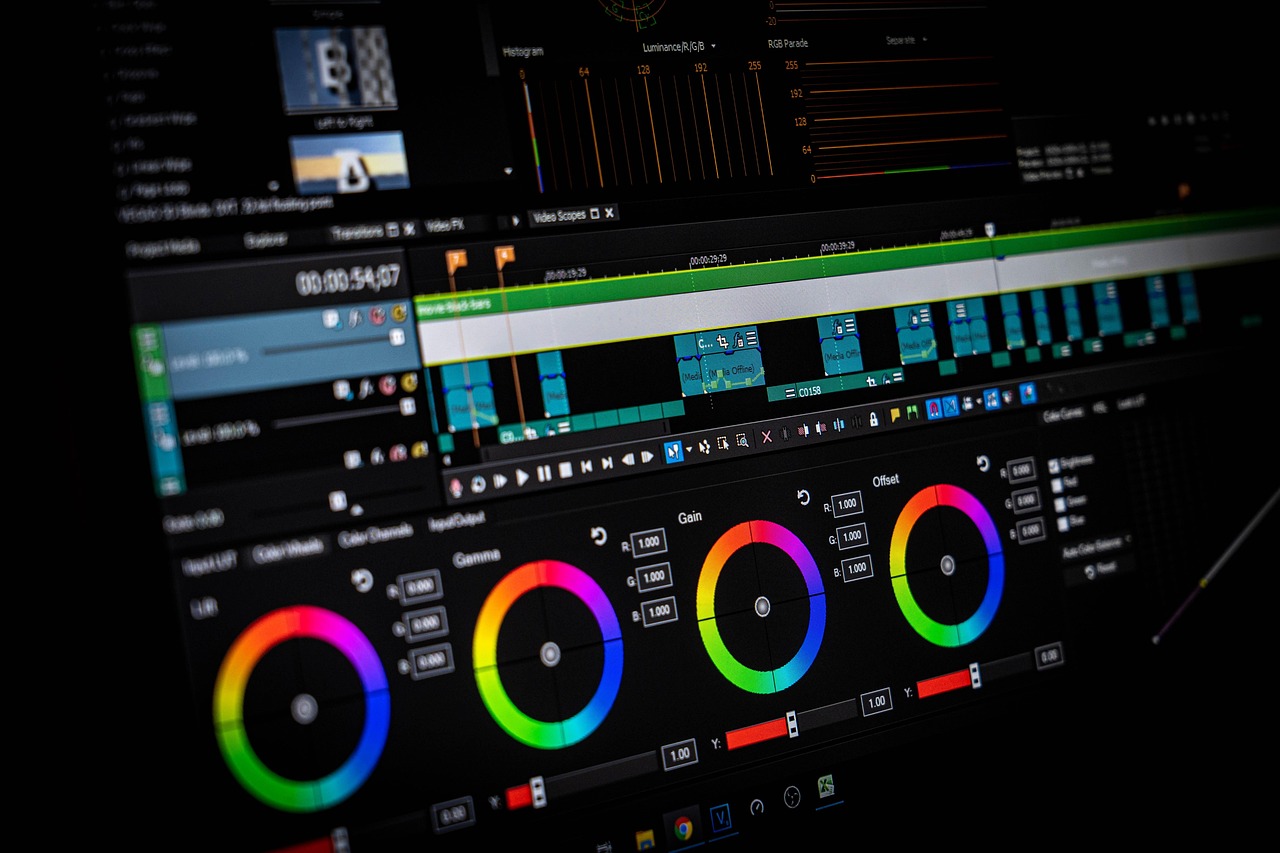
Having the right ai video tools means nothing if you don’t have a system. Here’s the exact workflow I follow every week to produce three videos — two short-form clips and one longer explainer — without burning more than four hours total.
Step 1: Batch Your Scripts on Monday (45 minutes)
I write all three scripts in one sitting. Each one starts as a quick outline: hook, three key points, call to action. Then I expand each outline into a 300-to-500-word script using a simple Google Doc template. No AI writing here — I want my own voice and opinions in the script because that’s what builds trust.
Step 2: Generate Videos on Tuesday (90 minutes)
Short clips go into HeyGen (avatar + auto B-roll). The explainer goes into Synthesia with branded slides. I queue everything up, hit generate, and work on other tasks while the renders complete. Rendering usually takes 10 to 15 minutes per video.
Step 3: Quick Edit on Wednesday (60 minutes)
I pull the finished videos into Descript for minor tweaks — trimming dead air, adjusting pacing, adding my intro bumper. This step is optional for short clips but worth it for the explainer.
Step 4: Schedule and Distribute (30 minutes)
I upload to YouTube, LinkedIn, and Instagram using a scheduling tool. Captions are already baked in from the AI tools, so there’s no extra subtitling step. Total weekly time: about 3.5 to 4 hours.
Before I adopted this system, producing a single video took me an entire day. Now I spend less time on three videos than I used to spend on one. That’s the real value of ai video tools for a solo operation — not just quality, but speed.
Cost Breakdown — AI Video Tools vs. Hiring a Crew
Money talks, so let me lay out the numbers. I tracked my video production costs for six months across both approaches.
| Expense | Freelancer Route | AI Tools Route |
|---|---|---|
| Monthly video production | $2,400 – $4,000 | $72 – $120 |
| Turnaround time per video | 5 – 10 days | 22 minutes – 2 hours |
| Revision rounds | 2 – 3 per video | Unlimited (instant) |
| Annual cost (12 videos/mo) | $28,800 – $48,000 | $864 – $1,440 |
The savings aren’t subtle. I was spending roughly $3,200 per month on freelance video work in 2024. After switching to a combination of HeyGen and Descript, my monthly cost dropped to $53. That freed up over $37,000 annually — money I reinvested into paid ads and product development.
Now, I want to be fair. AI-generated video doesn’t match a professional videographer shooting in 4K with proper lighting for every use case. Product photography, high-end brand films, and live event coverage still benefit from human crews. But for the content types that drive day-to-day marketing — social clips, explainers, tutorials, testimonials — ai video tools deliver 90% of the quality at 3% of the cost.
Common Mistakes Solo Creators Make With AI Video
After a year of using these tools — and coaching three other solo founders through the same transition — I keep seeing the same errors. Avoiding them will save you weeks of frustration.
Mistake #1: Using AI-generated scripts without editing. The tools can write scripts, sure. But they sound generic. Every sentence follows the same rhythm. Your audience will notice. I always write my own scripts or at least rewrite the AI draft in my voice before generating the video.
Mistake #2: Choosing the wrong tool for the job. HeyGen is terrible for cinematic product shots. Runway is wrong for talking-head explainers. Match the tool to the content type. That comparison table above? Print it out. Stick it next to your monitor.
Mistake #3: Skipping thumbnails and titles. A perfect AI video with a boring title gets zero clicks. I spend more time on my thumbnail and title than on the actual video generation. That’s not an exaggeration — 15 minutes on the video, 20 minutes testing thumbnail variations.
Mistake #4: Publishing without watching the full output. AI video generators occasionally produce glitches — a mispronounced word, a weird hand gesture on the avatar, a B-roll clip that doesn’t match the narration. Always watch the complete video at 1x speed before publishing. As marketing strategist Amanda Natividad, VP of Marketing at SparkToro, puts it: “AI can produce the raw material, but quality control is still a human job.”
Mistake #5: Ignoring analytics. Track which video types perform best and double down. My avatar explainers consistently outperform my text-to-video clips by 3x on engagement. Your results will differ, so measure everything.
My Experience Switching to AI Video Production
When I started my solo export business in 2020, video wasn’t on my radar. I ran everything through email campaigns and blog posts. By 2023, my organic reach was declining and competitors were flooding YouTube and TikTok with product demos.
I hired a freelance videographer. Good work, but the process was painful — back-and-forth on briefs, missed deadlines, revision cycles that stretched simple projects into month-long ordeals. I was spending 6 to 8 hours per week just managing the video production process. For a solo founder, that’s time I didn’t have.
My first experiment with AI video tools happened in September 2025. I used HeyGen to create a 90-second product walkthrough that I’d been trying to get produced for three weeks. It took 40 minutes. The quality wasn’t perfect — the avatar’s hand movements looked slightly robotic — but the information was clear, the audio was crisp, and my customers responded well.
By December 2025, I’d fully transitioned. My video output went from 2 per month to 12 per month. My YouTube channel grew from 340 subscribers to 2,800. And my website traffic from video referrals increased by 156%.
The biggest lesson? Don’t wait for the tools to be perfect. They’re good enough right now to give you a real competitive edge — especially when most of your competitors haven’t started yet.
Frequently Asked Questions
What are ai video tools?
AI video tools are software platforms that use artificial intelligence to automate video creation tasks like scriptwriting, voiceover generation, avatar animation, editing, and B-roll selection. They allow solo creators and small teams to produce professional-quality video content without traditional cameras, studios, or production crews.
Can AI video replace a human videographer?
For most marketing content — yes. AI handles social media clips, explainer videos, product demos, and training materials at a fraction of the cost and time. Where human videographers still win: high-end brand films, live events, and content that requires on-location shooting or complex physical setups.
How much do AI video tools cost for a solo business?
Most ai video tools offer plans between $15 and $89 per month. A typical solo creator spending $50 to $70 monthly across two platforms can produce 10 to 15 professional videos. Compare that to freelance video production, which averages $500 to $2,000 per finished video.
Do viewers notice the difference between AI and real video?
In short-form content under 2 minutes, most viewers cannot distinguish high-quality AI video from traditional footage. Longer formats and close-up conversational content are where the differences become more visible. As the technology improves — and it’s improving fast — this gap continues to shrink.
Start Creating Video Today — Even If You’re a Team of One
Video marketing is no longer a luxury reserved for companies with production budgets. The six ai video tools in this guide prove that a single person with a laptop and $50/month can produce content that looks professional, drives engagement, and builds an audience. You don’t need to master everything at once. Pick one tool from the list above — I’d start with HeyGen or Descript depending on whether you want avatar-based or footage-based content — and create your first video this week. Not next month. This week.
If you found this breakdown useful, subscribe to the Nomixy newsletter for weekly AI tool reviews built specifically for solo creators. Got a question about any of these tools? Drop a comment below — I read every one.