A freelance developer quoted me $9,000 to build a tool I could describe in two sentences. I almost paid it. Then, on a Friday night, I opened an AI coding app, described the same idea in plain English, and watched a working first version appear in about forty minutes. By Sunday I had something real.
That approach is called vibe coding, and it has quietly rewired what one person can build. You describe what you want — in normal words, no syntax, no APIs to memorize — and the AI writes the software. Andrej Karpathy, the former Tesla AI director, coined the term when he described “a new kind of coding where you fully give in to the vibes and forget that the code even exists.”
This guide is for the non-technical solopreneur: the freelancer, the maker, the one-person founder who has a sharp idea but never learned to code. I built and shipped a small micro-SaaS through vibe coding, charged money for it, and made plenty of mistakes along the way. Here are seven lessons that actually held up — plus an honest look at where vibe coding still lets you down.

In This Article
What Vibe Coding Means When You Have No Coding Background
Vibe coding is building software by describing what you want in plain language and letting an AI write the actual code. You do not learn syntax, memorize APIs, or read stack traces. You explain the idea, review what comes back, and ask for changes — much the way you would brief an assistant.
Picture the old path to a software product. You either spent a year learning to code, paid a developer thousands of dollars, or talked an engineer into co-founding with you. Each route was slow, expensive, or out of your hands.
This approach knocks down all three walls. The AI handles the part that used to demand a specialist. Your job becomes the part you were always good at — knowing the customer, the problem, and the fix. That is not a small change in tooling. It is a change in who gets to build at all.
One caution worth saying early. Vibe coding is not magic, and it is not “no skill required.” It trades coding skill for a different set: clear thinking, precise description, and the patience to test. If you can write a sharp brief, you can do this. If your briefs are vague, the AI will faithfully build you something vague.
Why Vibe Coding Took Over Solo Business in 2026
Vibe coding did not slowly arrive. It broke through. A few numbers tell the story better than I can.
Cursor, the AI-native code editor, crossed one million monthly active users in early 2026. Tools like Lovable now turn a single chat prompt into a deployed, full-stack web app with no code typed by hand. The barrier to building did not lower — it fell over.
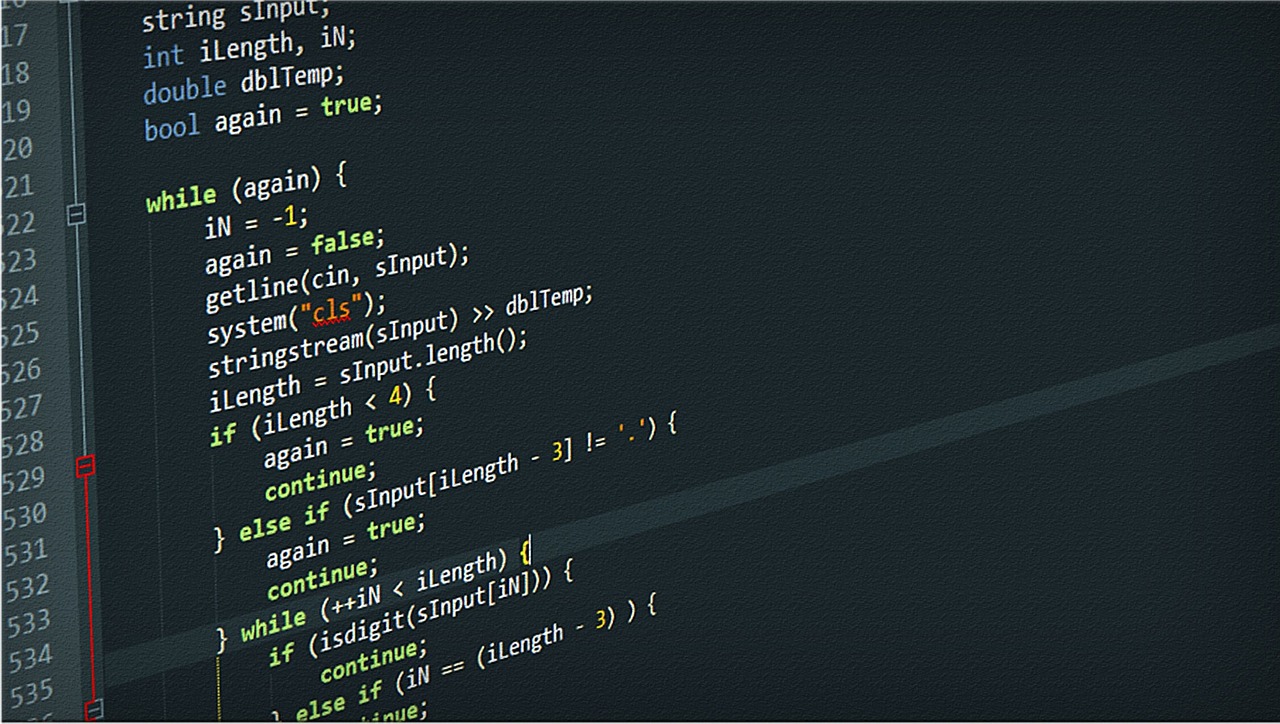
The shift shows up in who is building. Indie Hackers reported that 34% of new micro-SaaS products launched in the first quarter of 2026 came from founders with no prior programming experience — and some of those products already pull in between $5,000 and $50,000 in monthly recurring revenue. Read that twice. A third of new software businesses, built by people who cannot write a for-loop.
Individual stories make it concrete. Maor Shlomo built Base44 to 250,000 users and an $80 million exit in six months, as a solo founder, using vibe coding. TechCrunch has tracked how quickly AI-built software is now compounding.
For solo business, the meaning is direct. Software used to be the one thing you had to buy, borrow, or raise money for. Now you can make it yourself over a weekend — which is a big part of why the one-person company stopped being a punchline.
7 Surprising Lessons From Shipping My First Micro-SaaS
I learned each of these the slow way. If you are about to try vibe coding for the first time, read this section twice — it is the part I wish someone had handed me before that first Friday night.
1. Start with the smallest thing that solves one real problem
My first instinct was to build everything. A dashboard, user accounts, three integrations, a settings page. I sketched it out and felt great. Then I tried to describe the whole thing to the AI, and it collapsed into mush.
Here is what worked instead. I cut the idea down to one screen that did one job — paste an order, get a customs checklist back. That was it. This way of building rewards a tight scope, because a clear request produces clear code. The bigger your ask, the more the AI guesses, and its guesses compound into a mess. Build the one thing your user truly needs first. You can always add screen two next weekend.
2. Treat your prompt like a creative brief, not a wish
Early on I typed lazy prompts. “Make it look nice.” “Add login.” The results came back generic and often wrong, and I blamed the tool.
The tool was fine. My brief was not. Once I started writing prompts the way I write a brief for a designer — who the user is, what they see first, what happens on each click, what should never happen — the output jumped in quality. In vibe coding, your prompt is the spec. Vague in, vague out. I now keep a running document of my app’s rules and paste the relevant part into every request. Boring? A little. Effective? Hugely.

3. Put it in front of a real person before feature two
I almost spent a second weekend adding features nobody had asked for. Then I sent the rough version to one beauty-brand owner I knew and asked her to use it for real work.
She got stuck in the first ten seconds. A button I thought was obvious meant nothing to her. That single piece of feedback saved me from building three more wrong things. This makes building so fast that the real risk shifts — you can now create the wrong product quicker than ever. A real user is the only fix. Ship the rough version to one human before you let yourself build anything else.
4. The AI writes bugs too, so read what it ships
This is the lesson that stung. I assumed AI-written code was correct by default. It is not.
My first version stored user data in a way that any logged-in person could read another person’s records. I missed it completely. A friend who writes code spotted it in about thirty seconds, and I went cold. Vibe coding hands you working software, but “it runs” and “it is safe” are different sentences. You do not need to become an engineer. You do need to ask the AI to explain its own security choices, test the obvious holes yourself, and — for anything touching real data — have someone technical glance at it once.
5. Pick one tool and go deep before you judge it
I lost most of a weekend to tool-hopping. Cursor, then a no-code builder, then back again, each time convinced the next one would feel smoother.
None of them were the problem. My head-hopping was. Each tool has its own rhythm, and you only find it after a few hours of real use. So I settled on one, learned how it liked to be prompted, and my speed roughly doubled. The best vibe coding tool is the one you stop switching away from. Commit for a month before you decide.
6. Pricing is a decision the AI cannot make for you
The AI built my entire app. It could not tell me what to charge for it — and that is not a small gap.
I almost priced the tool at $5 a month, because building it had felt easy. That logic is a trap. Your customer pays for the problem solved, not for the hours you spent. I tested $19 a month against $9, and $19 converted nearly as well while telling a more serious story. Vibe coding removes the building cost almost entirely, which means your real work moves upstream — into who you serve, and what the fix is worth to them.
7. Ship it ugly, then make it better
My launch version was plain. Default fonts, one color, rough edges everywhere. I was a little embarrassed by it. I shipped it anyway.
Within a week, paying users had told me exactly which rough edges mattered and which I had only imagined. I polished those, and ignored the rest. Had I waited for “ready,” I would still be waiting today. With AI in the loop, the cost of improving later is tiny, so chasing perfection before launch buys you nothing. Get a real, paid version into real hands, and let the people who pay you decide what to fix.
The Vibe Coding Tools I Actually Use
I will not pretend one tool wins for everyone. Here is how I split the work after months of using these in anger, not in a demo.
| Tool | Best for | Learning curve |
|---|---|---|
| Cursor | Full control, apps you plan to grow | Moderate |
| Lovable | Fast web apps straight from a chat prompt | Gentle |
| Claude | Planning, logic, and debugging help | Gentle |
| UI builders | Landing pages and front-end polish | Gentle |
Cursor is where I do the serious building. It gives me real control over the project, which matters once an app has paying users. The trade-off is a moderate learning curve — give it a few hours before you decide.
Lovable is what I reach for when I want a working web app fast and do not need deep control. For testing an idea over a single weekend, building inside a tool like this is hard to beat. Claude, meanwhile, is my thinking partner — I use it to plan the structure, untangle logic, and explain bugs before I touch the editor.
One pattern I have settled into: plan in plain language first, build second. The planning step is where the project quietly succeeds or fails. If you can describe the app cleanly to a chatbot, you can build it. If you cannot, no tool will save the project.
Where Vibe Coding Still Falls Short
I am sold on this approach, but I would not be honest if I sold it as flawless. Vibe coding has real limits, and knowing them up front will save you grief.
Quality at scale. A small app is one thing. As a project grows past a few thousand lines, AI-generated code can turn tangled and hard to change. For anything that must scale, you will eventually want a technical review.
Security blind spots. As my own data-leak bug proved, the AI can produce code that runs perfectly and is quietly unsafe. It will not always flag its own mistakes.
The decisions that still fall to you. Vibe coding cannot validate your market, choose your price, or decide which customer to fire. Those structural calls remain yours. The tool builds the product; it does not build the business — a point I dig into in my guide to the Notion developer platform for solopreneurs.
Debugging hard problems. When a bug is subtle, the AI can loop — fixing one thing, breaking another. At that point a human who reads code, even for one hour, is worth every dollar.
What I Learned From My $9,000 Developer Bill
Back to that quote. I run a solo cosmetics export business, and I have been exporting since 2019. My constant headache was customs paperwork — every shipment needed a checklist of documents, and getting one wrong meant delays and fees.
I wanted a simple tool: paste an order, get the right customs checklist for that destination. The developer’s quote was $9,000 and six weeks. As a one-person business, that was not a small decision — it was most of a quarter’s tool budget.
Instead I tried vibe coding. It took three weekends, not six weeks. The first version was rough, and yes, it had that security bug I mentioned. I fixed it, tested harder, and shipped a real product to small beauty brands with the same paperwork pain I had.
Today that micro-SaaS has 43 paying users at $19 a month. That is roughly $800 in recurring revenue from a tool I once nearly paid $9,000 to outsource. The money is nice. The bigger lesson is this: I no longer wait for permission, or a budget, to build the thing I need. Vibe coding gave a non-coder that freedom, and I did not expect how much it would change how I think about every new idea.
Frequently Asked Questions
What is vibe coding in simple terms?
Vibe coding is making software by describing what you want in plain English while an AI writes the code. You review the result and ask for changes in normal language. It lets people with no programming background build working apps, tools, and websites.
Is vibe coding good enough to build a real product?
Yes, for small and mid-sized products it is. Founders shipped thousands of paying micro-SaaS tools this way in 2026. The catch is review: you must test the result and check security, because the AI can write code that runs but is not safe.
How much does it cost to build a micro-SaaS with vibe coding?
Far less than hiring out. Most vibe coding tools run $20 to $50 a month, plus modest hosting. A working first version can cost under $100 total — compared with the thousands a freelance developer would quote for the same scope.
Do I need any technical skills for vibe coding?
You do not need to write code. You do need clear thinking, precise description, and the patience to test what the AI gives you. Vibe coding trades programming skill for the skill of writing a sharp, specific brief.
The Bottom Line on Vibe Coding
For most of business history, building software meant money, a year of study, or a co-founder. Vibe coding removed that gate almost overnight. The wall that kept non-technical founders out is simply not there anymore.
Here is what surprised me most. The hard part was never the code — the AI handled that. The hard part was deciding what to build, who it served, and what it was worth. It did not make me a developer. It made the developer’s job small enough that the real work, the founder’s work, finally got my full attention.
Pick one idea you have been sitting on. Cut it to a single screen. Try to build it this weekend. If you want more solo-builder playbooks in your inbox, join the Nomixy newsletter — I send field-tested workflows every week. And if you ship something, tell me in the comments. I would genuinely like to see it.